Leaderboard

 Area Secretary
Popular Content
Showing content with the highest reputation on 11/18/2020 in all areas
-
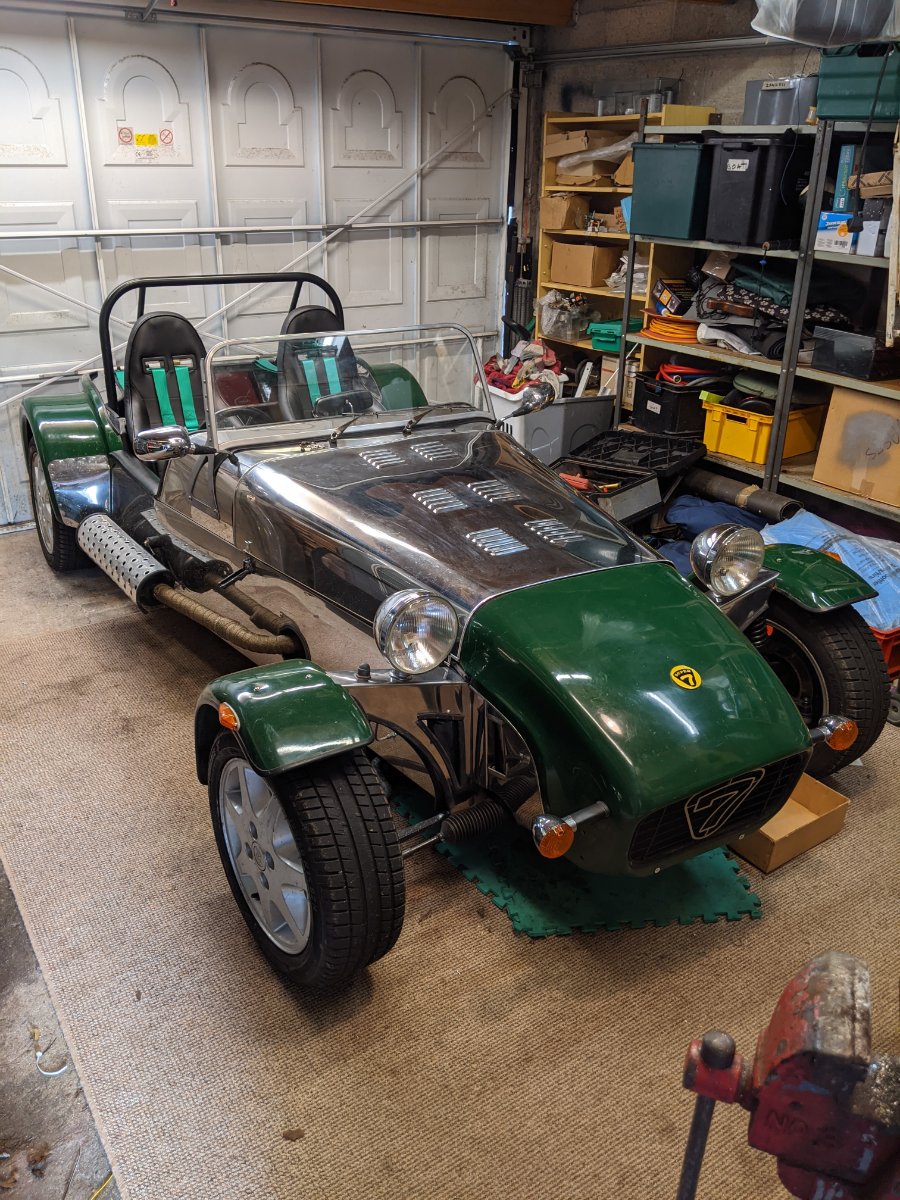
Finished car.
 3 points
 -
It passed. Finally after two years of reconstrution and twenty four years after the first owner bought it. Looking back over the whole process of getting it ready for the IVA, we couldn't have done it without the help and advice of RHO members. If we were to do this again, I would not worry about getting it through first time. There were lots of mods and improvements we did not need to do, and we could have saved a lot of time and money. They rarely get through first time, and the test guy was very helpful with his advice. He also said it is rare for them to not go through a second time if you take note of what the tester is telling you. They are not the ememy.1 point
-
No way... It won't be until next summer. I'll choose a route with some slick Islands. See you there1 point