Search the Community
Showing results for tags '2b'.
Found 19 results
-
Hi, does anyone know if the body panels from a haynes roadster are compatible (with fettling) to fit on a RH 2b I am looking at the kits and parts from equinox group and they look really good TIA Ian
-
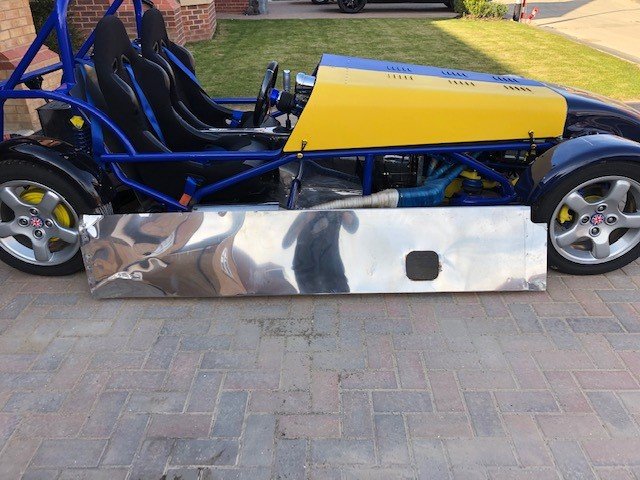
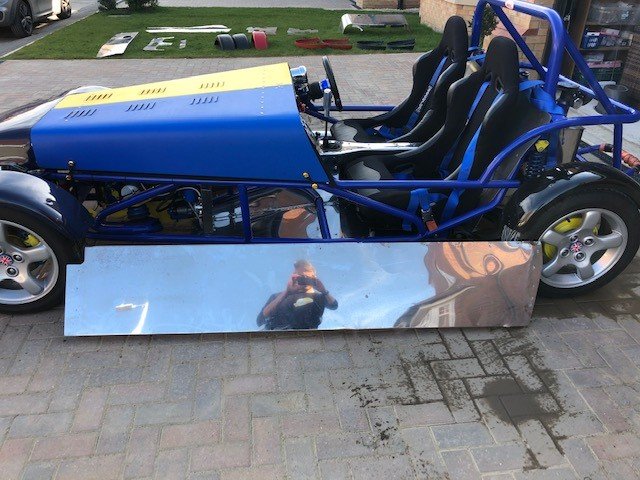
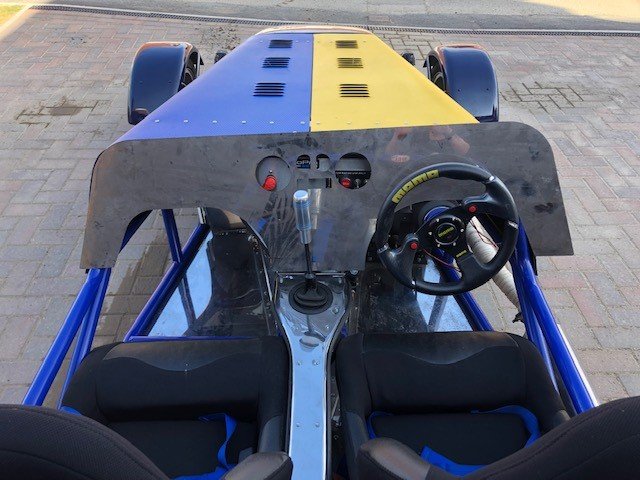
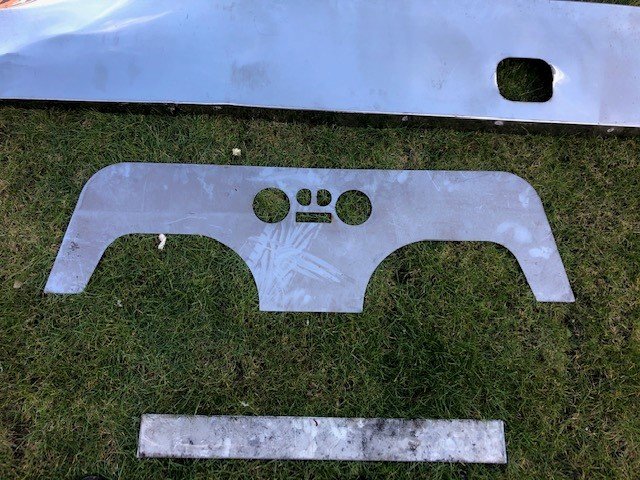
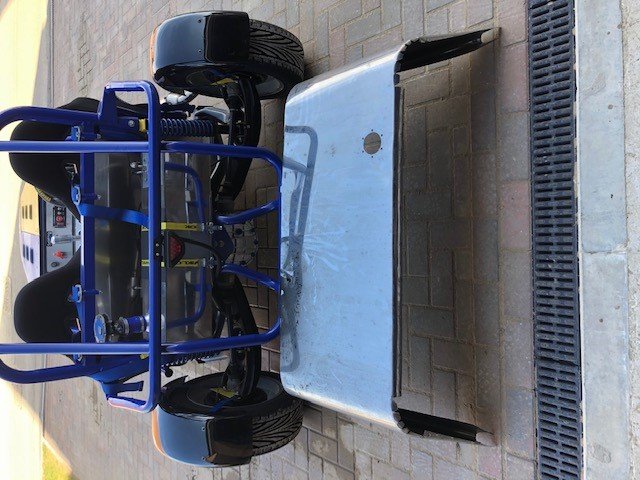
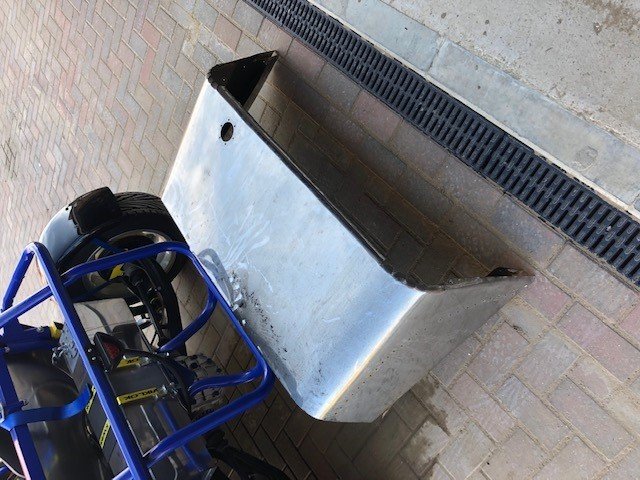
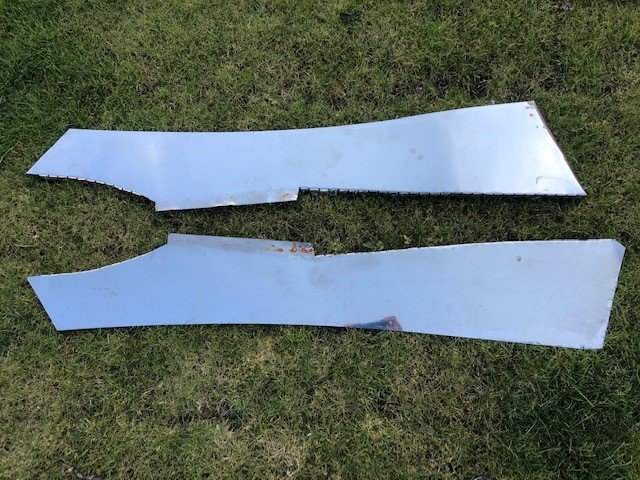
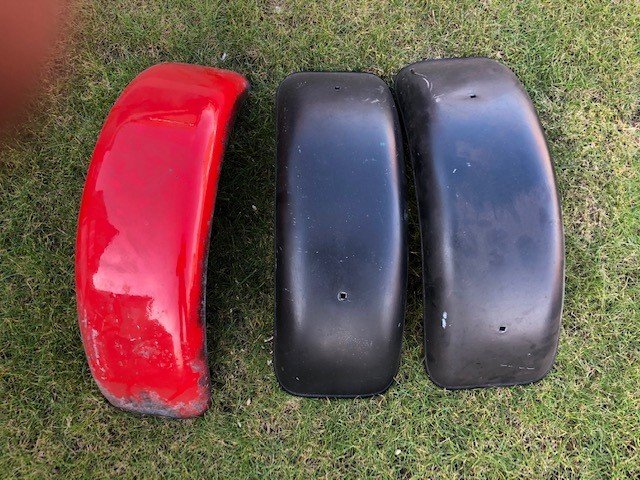
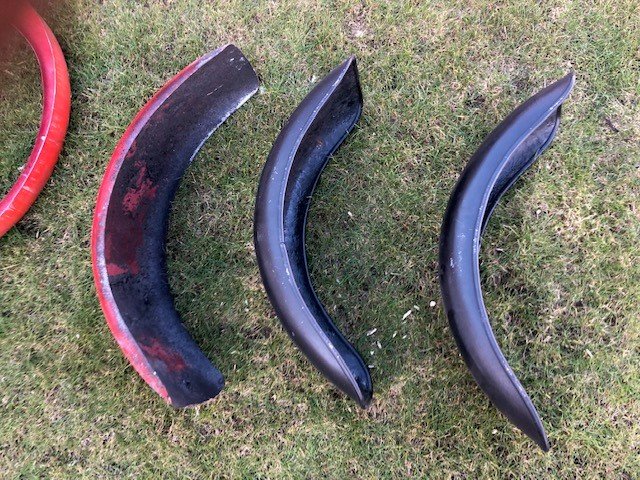
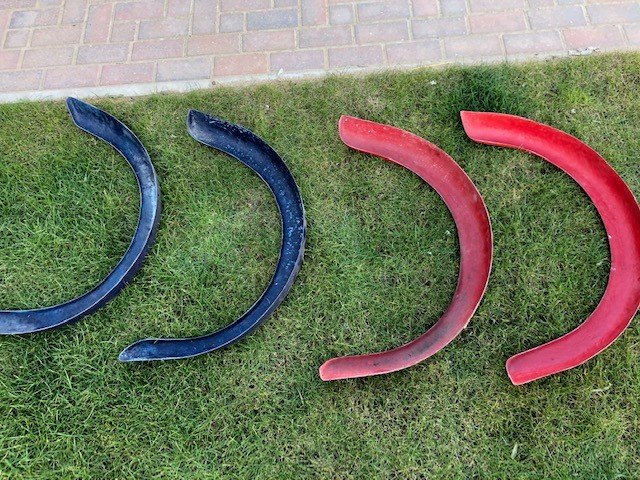
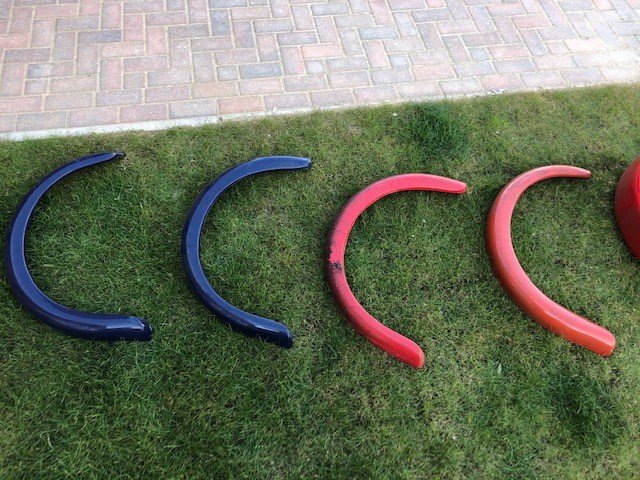
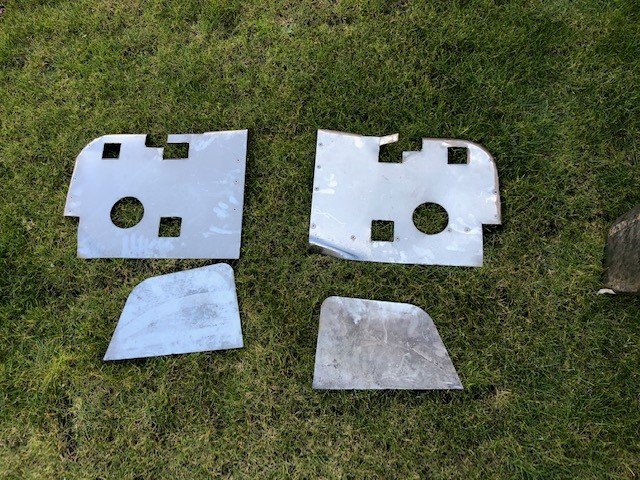
For Sale Robin Hood Polished Body Panels - inc. side panels, cockpit, rear petrol tank cover, rear light surrounds etc. good condition - will come up nice with a bit of elbow grease. various narrow and wide wheel arches (will need repainting) i prefer the skeletal look. £200 ono for the lot Collection only Snaith (Selby/Goole area)

-
Thinking since it has the UK Kit Car Club sticker perhaps it has some history on here? I'm off to see it in a few days. Looks like a 2B (to me at least) and appears quite well put together, from photos anyway.
-
Check on preloved website http://www.preloved.co.uk/adverts/show/119139907/robin-hood-kitcar-track-day-car-with-car-trailerono.html?ref=advert-
-
Hi, I bought an old 2b with sliding pillar partially built - 2 years ago. Lots and lots done, basically rebuilding the entire car, bit of an engineering project!! and we have just completed a GBS wishbone suspension rebuild on the front and replaced the damn awful pillar suspension! The car currently has a mg metro steering rack on that we have removed. I want to go to a ford rack to match the sierra track rod ends and extenders we now have. Would a mk2 escort match or what have other members fitted? Any help would be appreciated
-
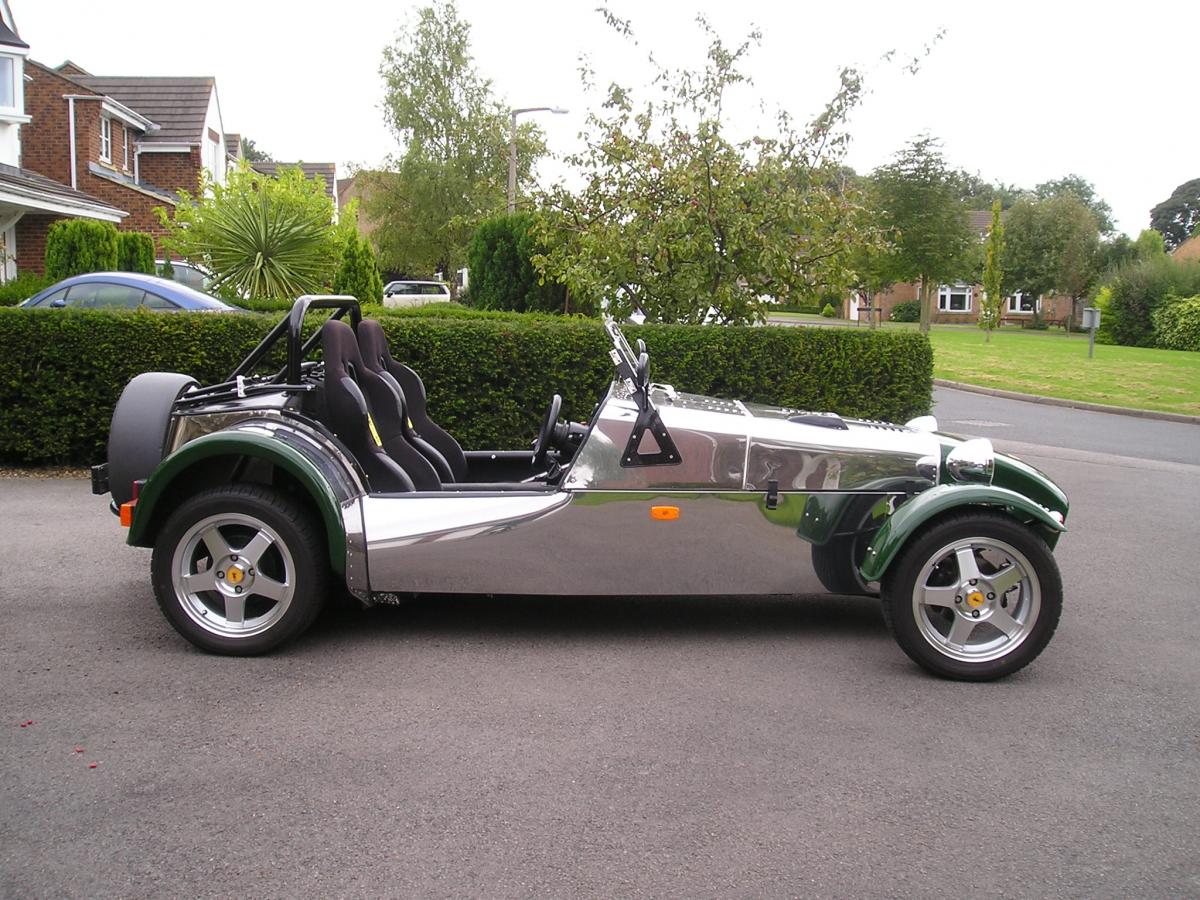
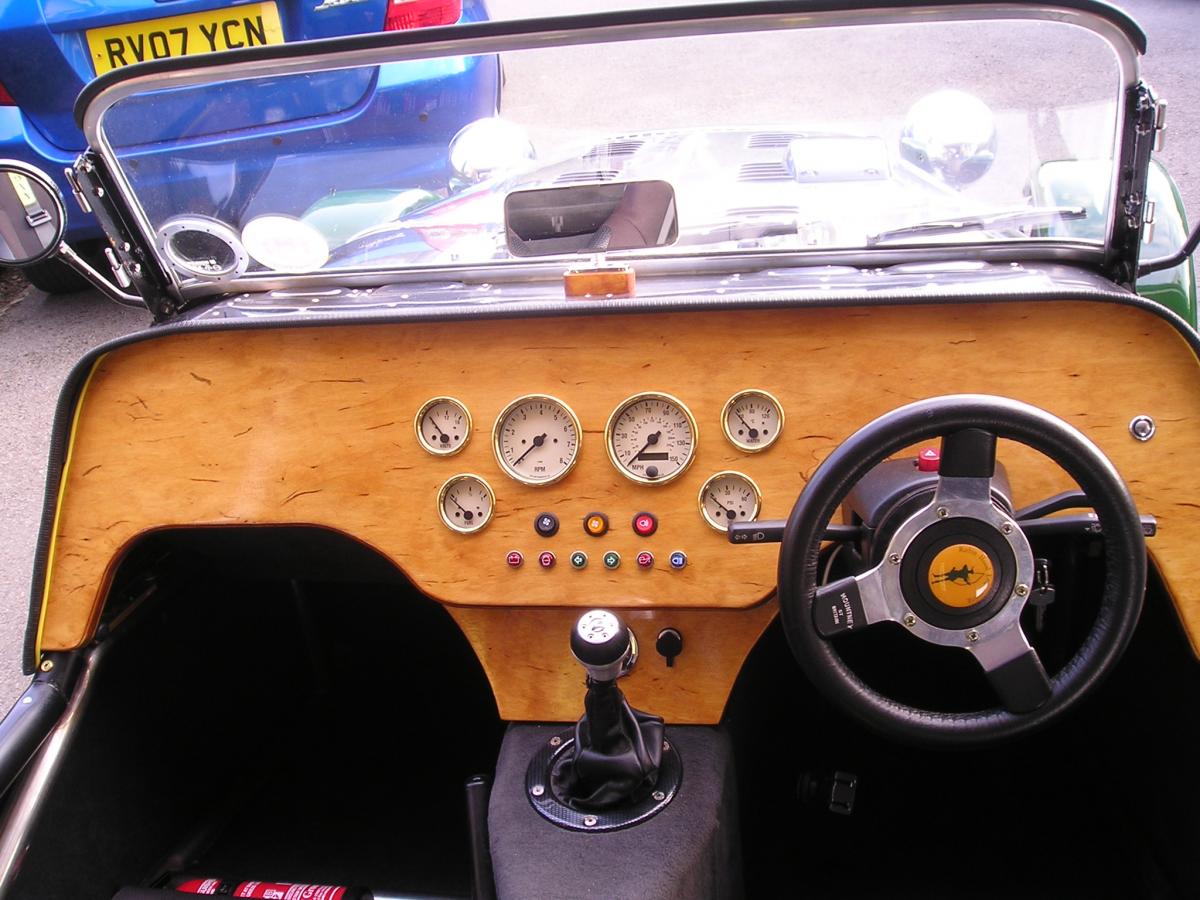
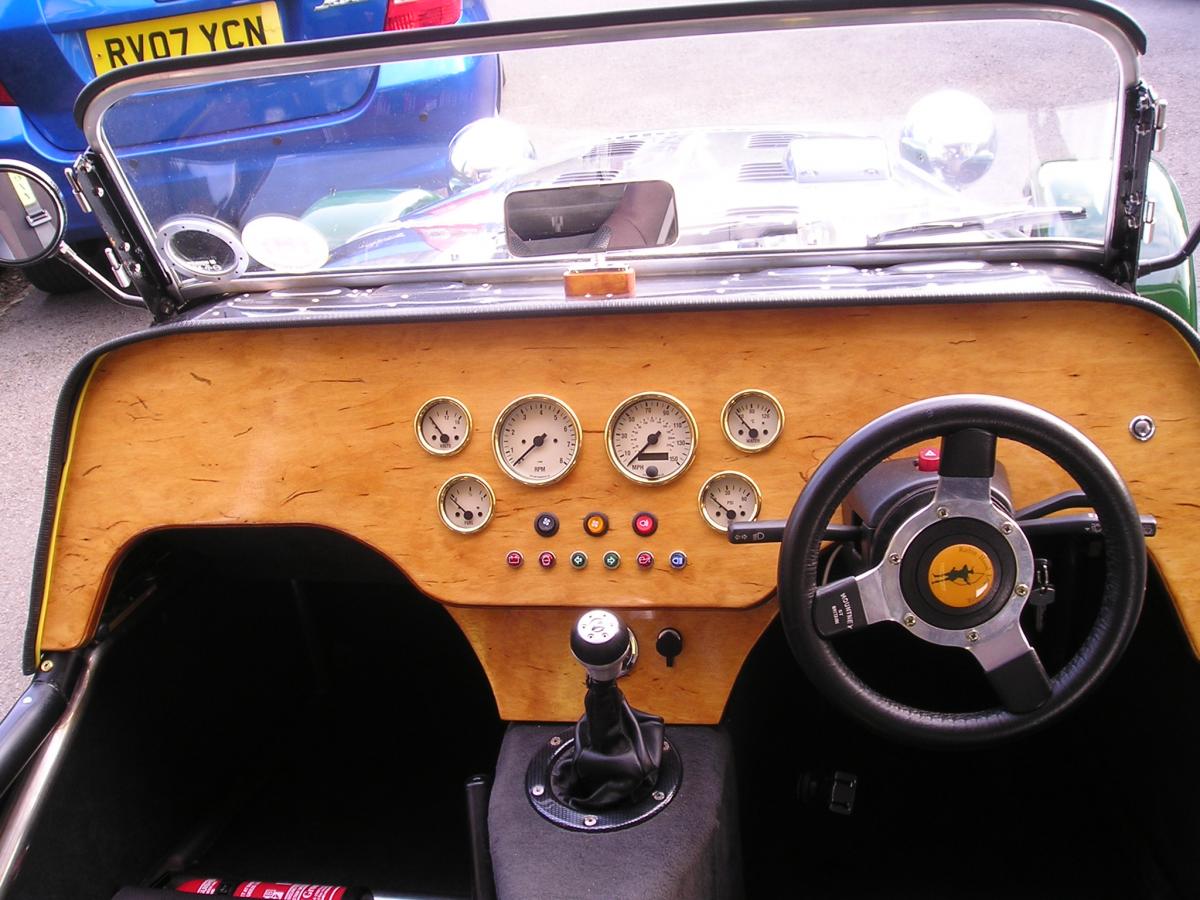
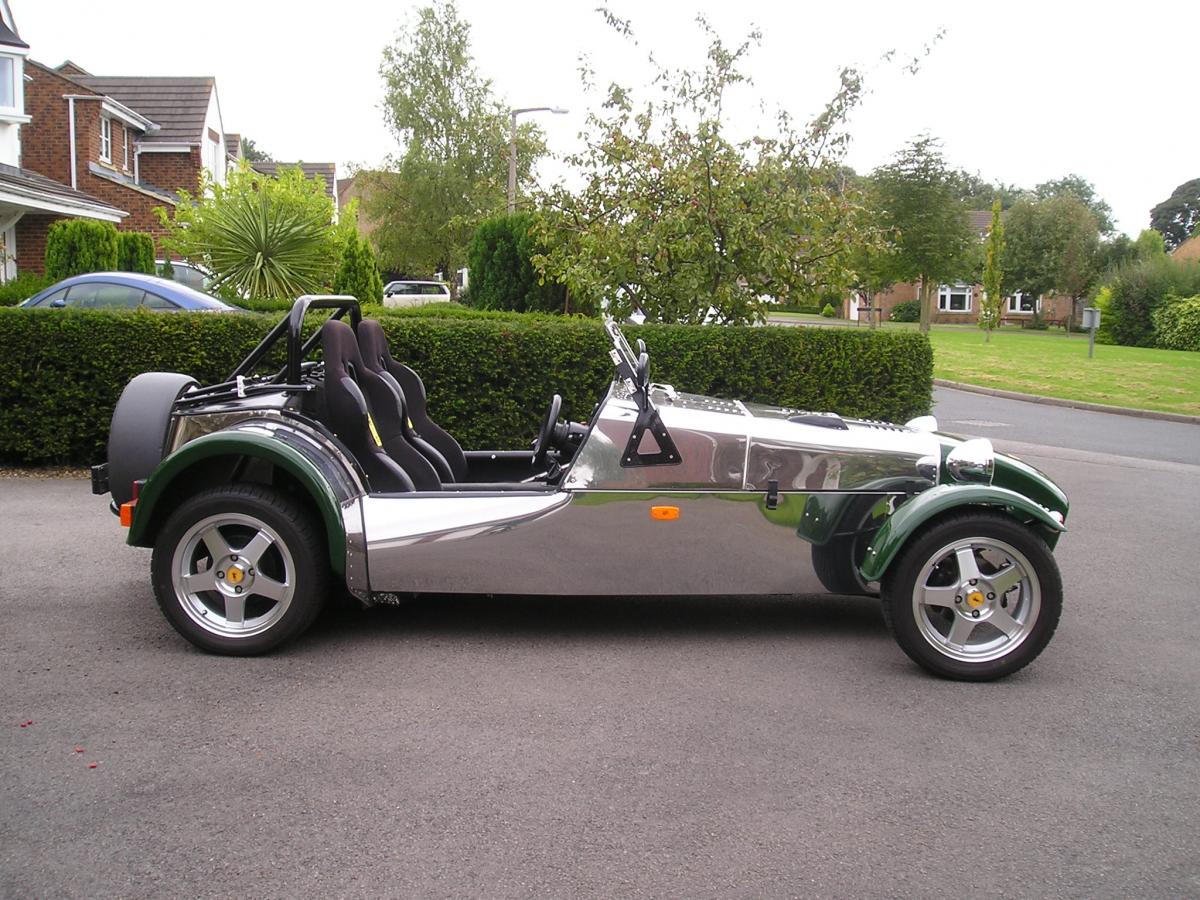
I'm putting my 2B+ up for sale as it is getting so little use. The kit was purchased in September 2005 and the car was completed in February 2008. It passed the IVA test first time on the 8th of February 2008. The car is registered as a Robin Hood and is on a Q plate. The current MOT expires on the 30th of July 2018. The engine is a Sierra 2L DOHC fitted with a Weber 28/32 TLDM carburettor and a Motocraft engine management system.The fuel tank is aluminium.The gearbox is an MT75. Full weather gear is included. The bonnet is hinged in front of the windscreen. Wheels are 15x6 alloys fitted with Yokohama 205/50 tyres.Suspension is via Gaz adjustable coilovers. ETB gauges were fitted in November 2010 together with a birch faced dash. Engine cooling is is via a Coolman radiator and electric fan. Sabelt safety harnesses are fitted and a fire extinguisher is included. A new battery was fitted last year. A jack, spare fuel pump and engine management module are included. Price £3000 Let me know if you require further details.
-
Well its come to that time when I have made the decision to sell my 2B. So here goes: Its a Robin Hood 2B with a 2L Pinto engine with an injection head. It Has ZX9R bike carbs on a Danst Engineering Manifold Type 9 5speed gearbox and sierra rear end. Martin Keenan Custom built Silencer - giving it a sweet noise and put a smile on your face each time you start it It has Full weather gear that fits Has a set of 5 Uniroyal Rain sport 3 tyres that have done around 400 miles since fitted last year ago. There are numerous other spares that will be sold with the kit. These include a Front Geometry kit purchase form GBS for the vehicle but never fitted, A brand new set of GAZ shocks that are still in their boxes. The paint on the body is flaking in a few places, but its superficial, just a rub down, some primer and a respray and it will be as good as new The log book is correct and its registered as a Robin hood 2B Its MOT'd until April 2018. Its covered 16,708miles I'm looking for £3995 I'm located in Crawley - will answer all questions and anyone who wants to view the kit with an eye to buy is welcome Picture of the kit are here:
-
Sadly, I am putting my 2B+ up for sale.It has had so little use for the last 2 years and I have other projects to complete. The kit was purchased in September 2005 and was completed in February 2008.It passed the IVA first time on the 8th of February 2008. The car is registered as a Robin Hood and is on a Q plate. The current MOT expires on the 30th of July 2018 . .The engine is a Sierra 2L DOHC fitted with a Weber 28/32 TLDM carburettor and a Motorcraft engine management system.The fuel tank is aluminium. Full weather gear is included. The bonnet is hinged in front of the windscreen. Wheels are 15x6 alloys fitted with Yokohama 205/50 tyres.Suspension is via GAZ adjustable coilovers. ETB gauges were fitted in November 2010 together with a birch faced dashboard. Engine cooling is via a Coolman radiator and electric fan. Sabelt safety harnesses are fitted and a fire extinguisher is included. A new battery was fitted last year. The car has always been kept in a garage. A jack,spare fuel pump and spare engine management unit are included. Price £3500 Let me know if you require any further details.
-
Hi, Pretty new to the forum and I am sure I will have lots of questions. But rebuilding an 80% complete 2b, just changed the pinto manifold and 2 tube standard exhaust for a stainless 4-1. Yes it was a pig to fit and with the engine in place! But its in and looking shiny. I know i need to move the steering shaft and have researched a little on here. But does anyone have pics where they can show their solution?
-
Robin Hood 2B New project due to start shortly so she has to go to a good home. She needs a new speedo but apart from that... Built in 2002 from 1987 Sierra donor car. Red with stainless steel body. 2 litre Pinto with single twin choke Weber carb. 4 into 1 exhaust. Correctly registered on V5 as Robin Hood 2B Electronic cooling fan override. GBS chassis. Heater. Converted to manual choke. Carburettor stripped and cleaned (August 2016). New clutch cable (September 2016). New front brake pads (April 2016) IGS air filter. Mountney leather steering wheel Sierra Pepper Pot wheels with excellent tyres. Leather Cobra seats (drivers adjustable). 4 point harness (driver and passenger). Classic instruments. Push button start. Auxiliary socket. Milometer shows 7800 miles but it is nearer 9000 miles. Weather equipment: hood and doors. Lockable boot. Lockable petrol cap. MOT until March 2017 (no advisories). The car starts on the button, sounds gorgeous and runs really well. The car has been used regularly, not laid up or SORN’d. It has been kept in a dry garage since the day I bought it. Pictures to follow £3300 (Gatwick Airport area), Call: 07954 168546 or Email: paul.philpot@yahoo.co.uk
-
just found this wont be needing it for mine (got mini/Landrover one £15 + postage or collect from ba5 3au area postage will be £7
-
A fairly big ask... After seeing an RH yesterday I've decided tha,t rather than wait until next year to buy, I'm going to try to get on the ladder this year. This will mean a reduced budget but it may be worth a go. I'm looking for a 2B, at least 10 months MOT, within 75 miles of Gatwick Airport. Budget.... £3500. Let's see what happens
-
Hi I've recently purchased a 2b, Asking for info on the best/easiest engine instal option? The car currently has rear diff and prop to run a 2 litre pinto set up, the engine and gearbox is no longer with the car. My rough thoughts are leaning towards either the 2.0 Zetec or the st170 engine, or possible a vauxhall red top?I know I'm asking for a lot of info but could anyone advise me of options and parts I'll need ie any conversion kits available to get the Zetec in the 2b?, gearbox options? Can I run the standard injection and ecu? Or do I have to switch to bike carbs/throttle bodies, thanks in advance for any info!
-
I am after a windscreen glass for my 2B after original one shattered today. If you have one can you please confirm cost and location to allow collection. Many thanks Robbie
-
Hello, after many years of looking, considering and wanting a Robin Hood 2B I have taken the plunge. Recently I had a baby daughter and most men sell their 'toy cars' but I did the opposite and bought one!! I have purchased a 2B which was featured in the Autumn 2009 edition of Boys in Hoods, and can I say how chuffed I am!!! If anyone out there would like to take a beginner under their wing and share knowledge of things like days out, where I can get parts from, good websites and anything else you think I need to know then please feel free to knowledge me. Many thanks Phil
-
if anyone out there has a set i would be interested .g tully
-
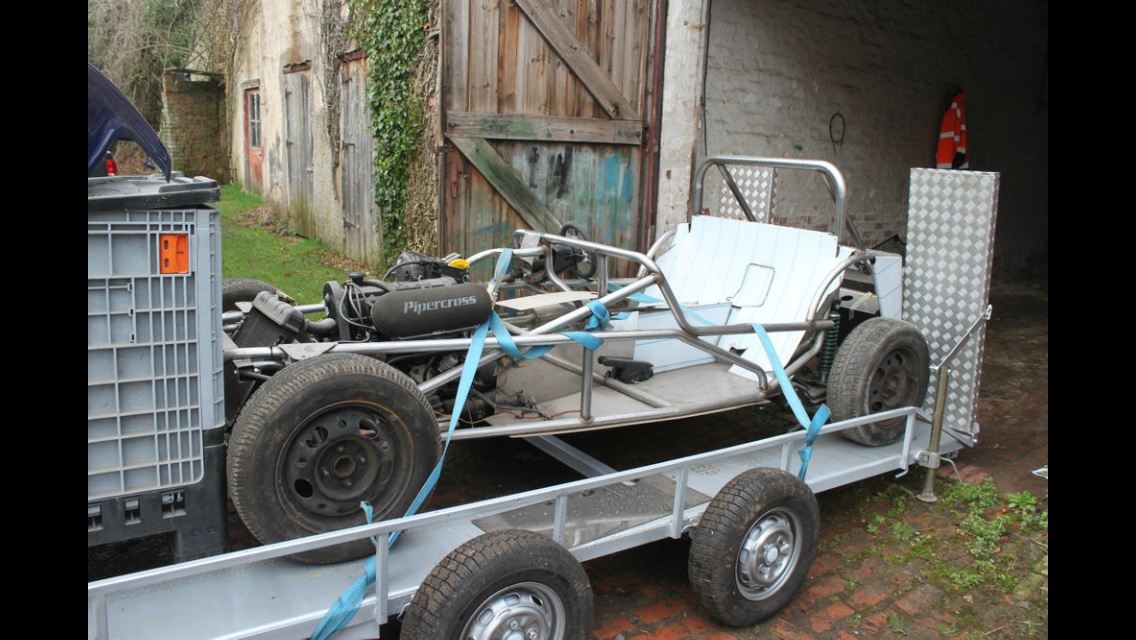
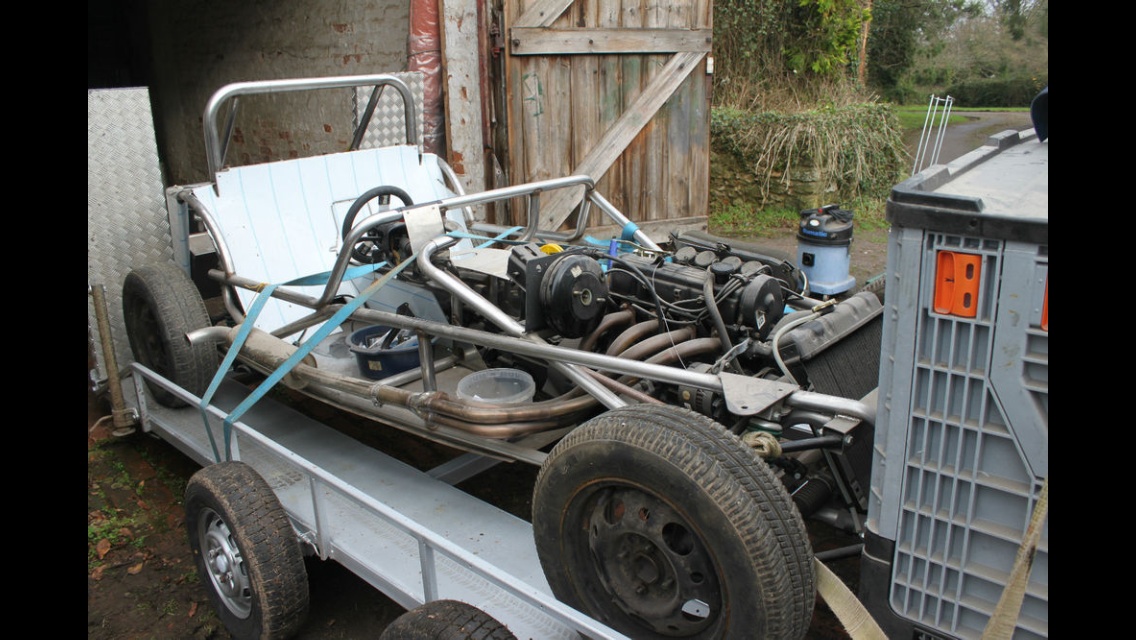
New to this site and not a 2B expert in any sense of the word but have paid the £15 membership to correctly post. Lack of time and space have forced me to sell my Robin Hood 2B plus, I know very little about it as I bought it in the state it's in. Previous owner have got it 75% finished, I'm told its got updated suspension and I'm told that the stainless steel frame and paneling are optional extras. It's got a 2.1l pinto engine set up on bike carbs. Looking at it I would say everything needed to finish is included, there's 5 brand new boxed alloys, race seats, race harnesses and.boxes full of bits that just need bolting on. I'm happy to answer any questions as best I can. Car is located in Wellington Somerset and delivery can be arranged. When I bought the car, I bought a car transporter trailer seperatley (shown in pics) so am happy to sell this by seperate negotiation. Looking for £3750 including trailer or offers for just car and parts.
-
Hi All, As I am looking to get the car on the road and the weather not exactly being warm I was thinking about getting some gloves that I can use when driving so was hoping someone out there might be able to make some recommendations as to some gloves that will keep my hands warm in the cold early mornings but also allow me to keep a hold of the steering wheel without it slipping out my hands! I am not looking for some of the classic leather type driving gloves, I am looking for something a bit more modern.... My initial thought is to use some winter cycling/bmx gloves as these offer grip and can be quite warm. They might also help when I do go out cycling around the forests and when I come to do my charity bike ride in July (although I hope I wont need winter gloves for then!) So any recommendations as to some warm gloves with a good grip would be much appreciated! Dean
-
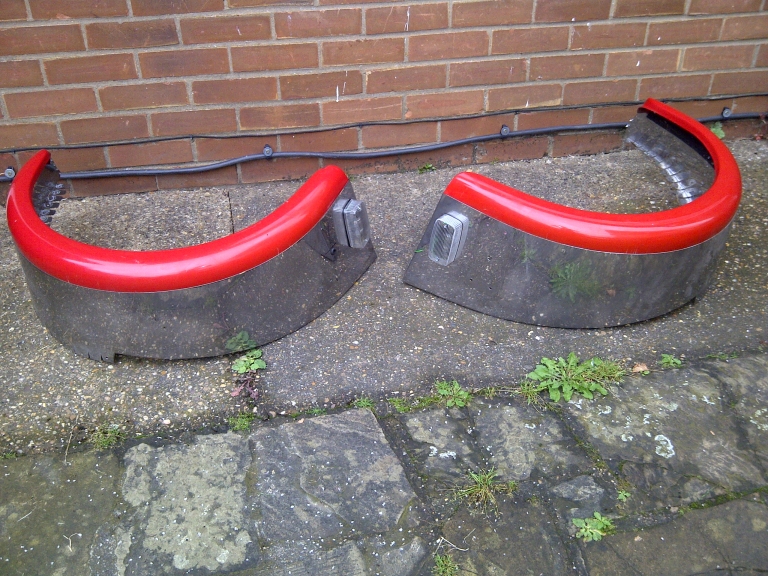
I am posting this for a friend. He hasn't asked and is not getting a member to post on his behalf. I offered as if not sold they will get weighed in as take up room. 2 x rear arches for sale - Red and stainless with stone protectors and a couple of reversing lights. He wants £30 plus postage for the hassle. Fair enough. May be of use to someone. Been fitted to car previously and removed. PM me for contact information Cheers Lee